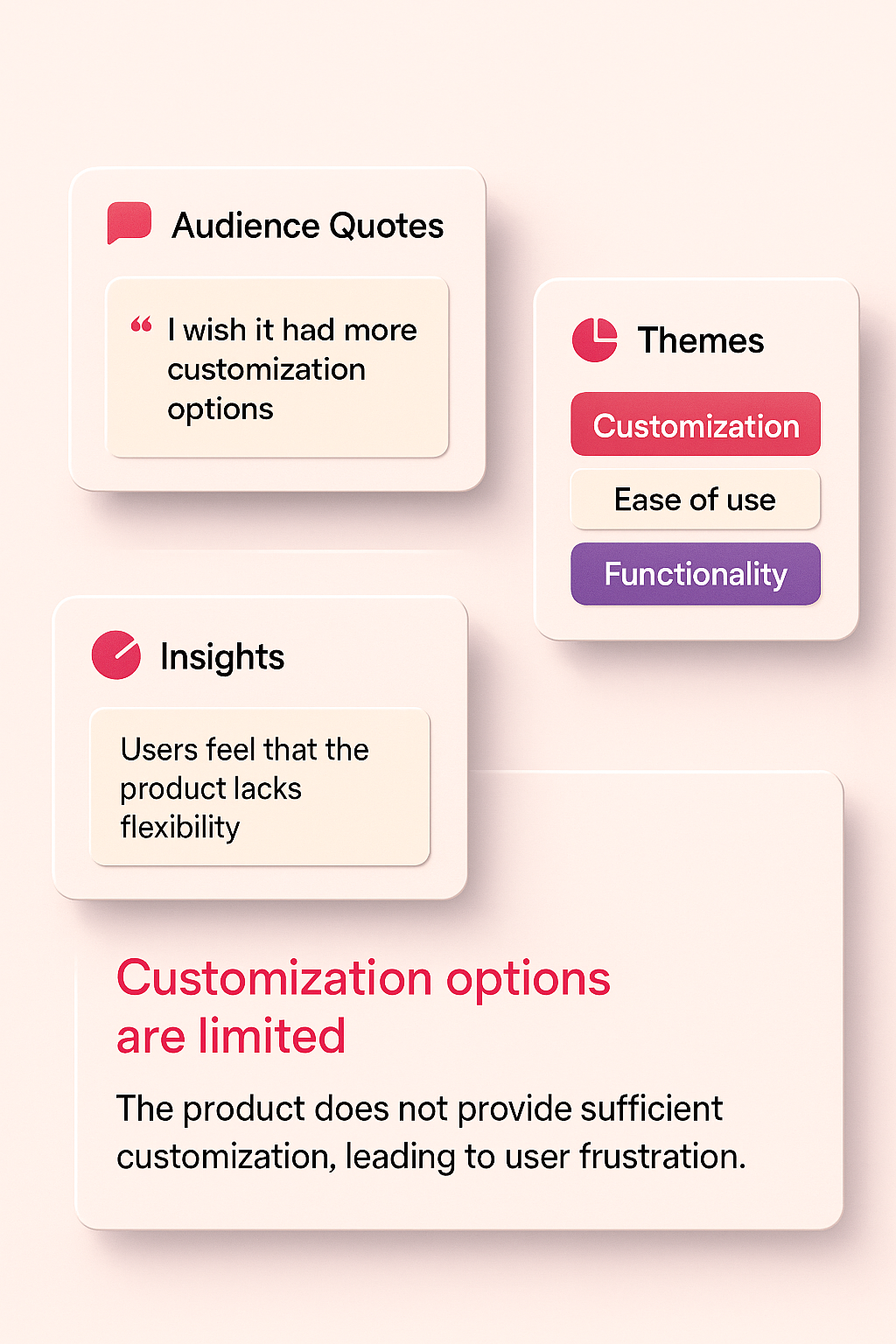
A good social listening dashboard acts like a filter.
It helps you separate noise from signals, organizing the quotes, themes, and repeat patterns that power your content strategy.
Best part?
You don’t need an expensive tool or a complex workflow.
You just need a lightweight tracker—and I’m giving you one for free in this post.
Why You Need a Social Listening Dashboard
Most marketers listen sporadically:
Scrolling comments → spotting something insightful → promising themselves they’ll remember it later → forgetting it 20 minutes after closing the app.
A dashboard solves that.
It gives you:
- A single place for all raw audience quotes
- A system for grouping patterns
- A decision-making layer (priority, sentiment, frequency)
- A bridge into your content calendar
Once set up, the dashboard becomes a renewable content engine.
The Structure of a High-Performing Listening Dashboard
A good dashboard has two layers:
1. The Listening Log (Raw Signals)
This is where you capture the chatter exactly as you find it.
What goes here:
- Direct quotes
- Links to posts/threads
- Screenshots (if needed)
- Sentiment
- Early tags (themes)
- Notes on context
- Frequency counts (how often you see similar comments)
This layer should be fast and frictionless.
You’re not analyzing yet—you’re collecting.
2. The Patterns & Ideas Layer (Meaning)
Once you’ve collected enough raw quotes, you move them here.
This tab includes:
- Grouped themes
- Top phrases your audience repeats
- Summaries of what people complain about, ask for, or praise
- Recommended content formats (Reel, carousel, before/after, myth-busting post)
- Priority (High / Medium / Low)
This is where insights transform into actionable ideas.
Free Tool: The Social Listening Tracker
To make this easy, I created a free 2-tab tracker you can use immediately.
Tab 1 — Listening Log
Fields include:
- Source (TikTok / IG / YouTube / Reddit / FB)
- Post or thread link
- Audience quote or comment
- Theme or topic
- Sentiment (positive/neutral/negative)
- Frequency count
- Content idea (hook or angle)
- Status (backlog/drafted/posted)
Tab 2 — Patterns & Ideas
Fields include:
- Theme
- Summary of insights
- Top audience phrases
- Recommended content format
- Priority (high/medium/low)
Download below:
👉 Google Sheets (Make a Copy):
Where to Pull Listening Inputs for Your Dashboard
Below is a rundown of the best sources—and exactly what to grab from each.
Instagram Comments
What to look for:
- Repeated questions
- Pain points
- “I wish someone would explain…” phrases
- Emotional responses
- Clarification requests
Why it’s valuable:
Comments are unfiltered and reveal what people didn’t get from the video.
TikTok Comment Threads
What to look for:
- Trends in confusion
- Common “wait I didn’t know this” responses
- Misconceptions
- Emotional triggers
- Requests for deeper dives
Why it’s valuable:
Short-form video sparks rapid feedback loops.
TikTok comments show real-time sentiment shifts.
Reddit Threads
What to look for:
- Longform answers
- Problem lists
- Strong emotional language
- “Can someone help me with…” posts
Why it’s valuable:
Reddit surfaces deeper thinking—great for educational or myth-busting content.
YouTube Comments
What to look for:
- How-to requests
- Step-by-step questions
- “Do this next” suggestions
Why it’s valuable:
People spend more time writing here—more context = stronger ideas.
Facebook Groups
What to look for:
- Advice threads
- Complaints
- Peer-to-peer recommendations
Why it’s valuable:
Sentiment is raw and honest—especially for local or community-driven brands.
How to Maintain Your Dashboard Weekly
You only need 15–20 minutes per week to keep your dashboard fresh.
Suggested weekly routine:
- Open your Listening Log tab
- Capture 5–10 relevant comments
- Tag each with a theme
- Move repeat themes into “Patterns & Ideas”
- Mark high-frequency topics with High priority
- Add promising ideas to your content backlog
By the end of the month, you’ll have dozens of content-ready insights—and none of them came from guesswork.
Key Takeaway
Your dashboard is not a tool—it’s a habit.
When you create a place for audience insights to live, you’ll never run out of content ideas again. Vizeel offers a free Brand Analysis, refreshed monthly, that includes insights into how your social content is performing - sign up for a free trial today to receive your Brand Analysis.